
Solution for professional services
Asleep when the office empties. Never mid-deadline.
In law, accounting and consulting, people work late and desks sit empty on remote days. Acquaintia puts idle PCs to sleep without catching anyone mid-deadline, and gives you a carbon figure when clients ask.
-
Working late: asleep from 00:00 to 08:50, woken by Acquaintia from 08:50 to 09:00, in use from 09:00 to 21:30, on, nobody using it from 21:30 to 22:00, asleep from 22:00 to 24:00.
-
Remote day: asleep from 00:00 to 08:50, woken by Acquaintia from 08:50 to 09:50, asleep from 09:50 to 24:00.
-
Meeting room: asleep from 00:00 to 08:50, woken by Acquaintia from 08:50 to 09:00, on, nobody using it from 09:00 to 09:30, in use from 09:30 to 11:00, on, nobody using it from 11:00 to 11:30, asleep from 11:30 to 14:00, in use from 14:00 to 15:30, on, nobody using it from 15:30 to 16:00, asleep from 16:00 to 24:00.
The problem
Hours that don’t end at five.
-
Late nights
Deadlines keep people at their desks long after business hours end.
-
Empty desks
Hybrid working leaves desks unused for days, with their PCs still on.
-
Clients ask about carbon
Clients and tenders ask firms about their emissions, and IT is part of the answer.
What does the work
The parts of Acquaintia that take this on.
How it is done
Nobody gets cut off.
-
Sleep only what’s idle
A PC sleeps only after nobody has used it for the time the policy sets.
-
Warn before the end of the day
Anyone still working gets five minutes’ warning of the end-of-day action and can put it off for an hour.
-
Wake on demand
Wake any PC from the console, on its own or with its group or location.
-
A figure for clients
Estimated energy and carbon for the offices and period you choose, against a baseline, exported as CSV.
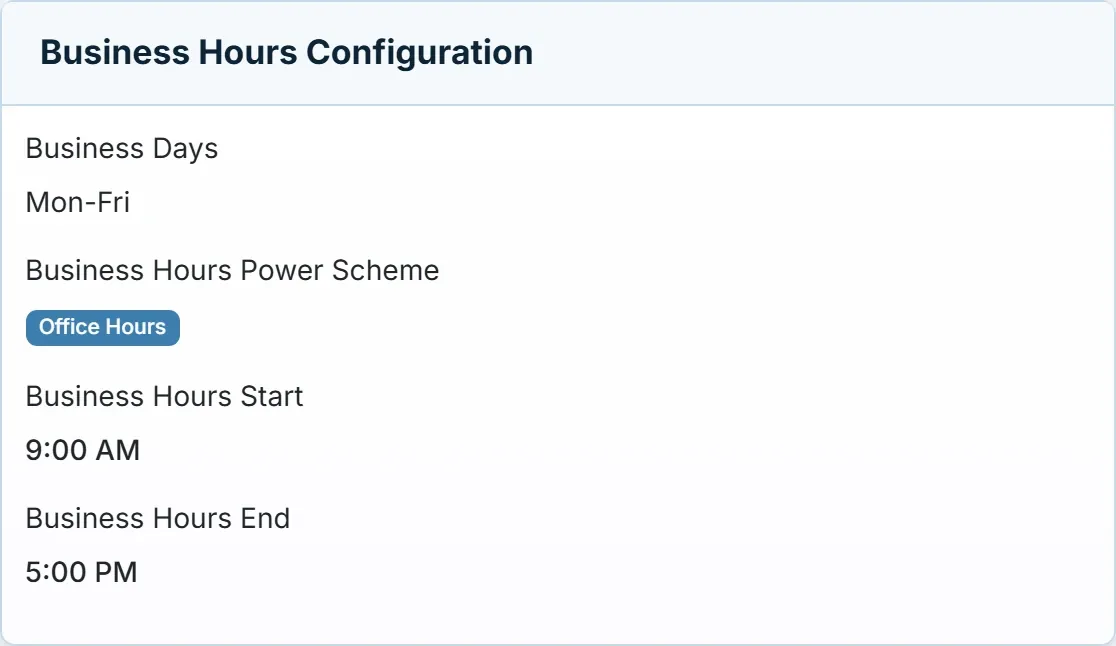
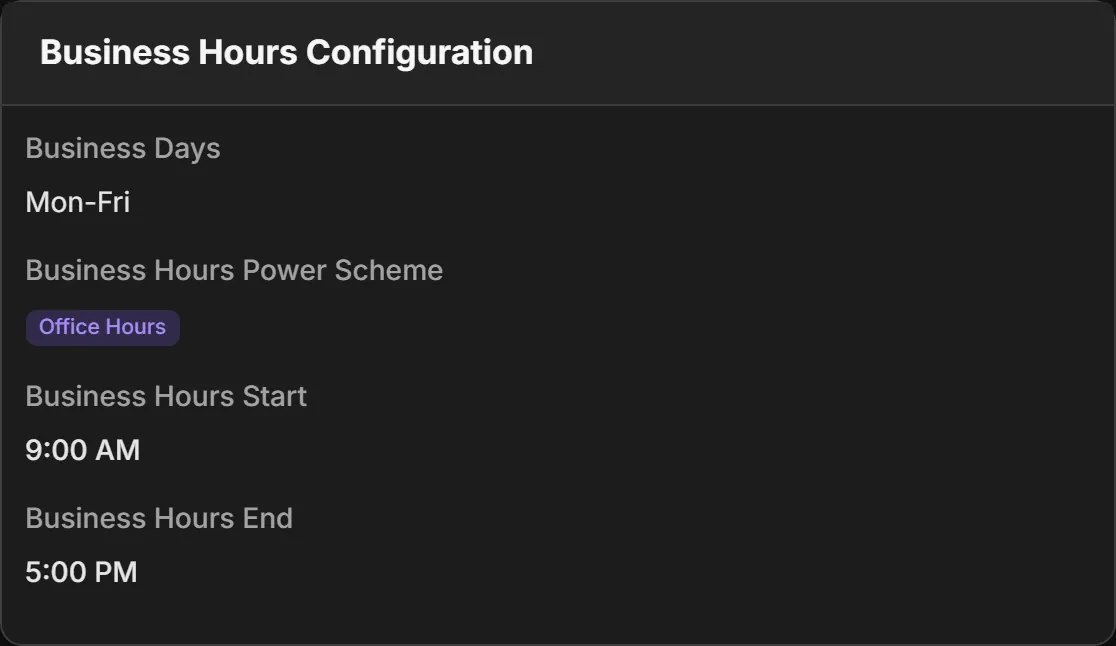
Business hours, set once.
One scheme for the working day and a stricter one after it, assigned by office.
Questions
What if someone is working late?
A PC someone is using isn’t idle, so it stays on. If the policy has an end-of-day action, they get five minutes’ warning and can put it off for an hour.
Can we wake a PC for someone who needs it?
Yes. Wake any PC from the console, as long as it supports Wake-on-LAN and has it turned on in its firmware and network adapter settings.
See it fit your working day.
Book a demo and we’ll show you the end-of-day warning, on-demand wake and the carbon report.
Other sectors
- Healthcare Round-the-clock areas, shared workstations and offices that keep office hours.
- Education Shared PCs in labs, libraries and teaching rooms, empty for long stretches.
- Financial services Offices and branches, overnight jobs and a demanding security review.
- Public sector Many buildings, tight budgets and carbon targets to report against.
- Acquaintia PC power management for Windows fleets: sleep, wake and the energy behind it.
- Cut out-of-hours energy waste Stop powering PCs nobody is using at night and at weekends.