1
Set your business hours once
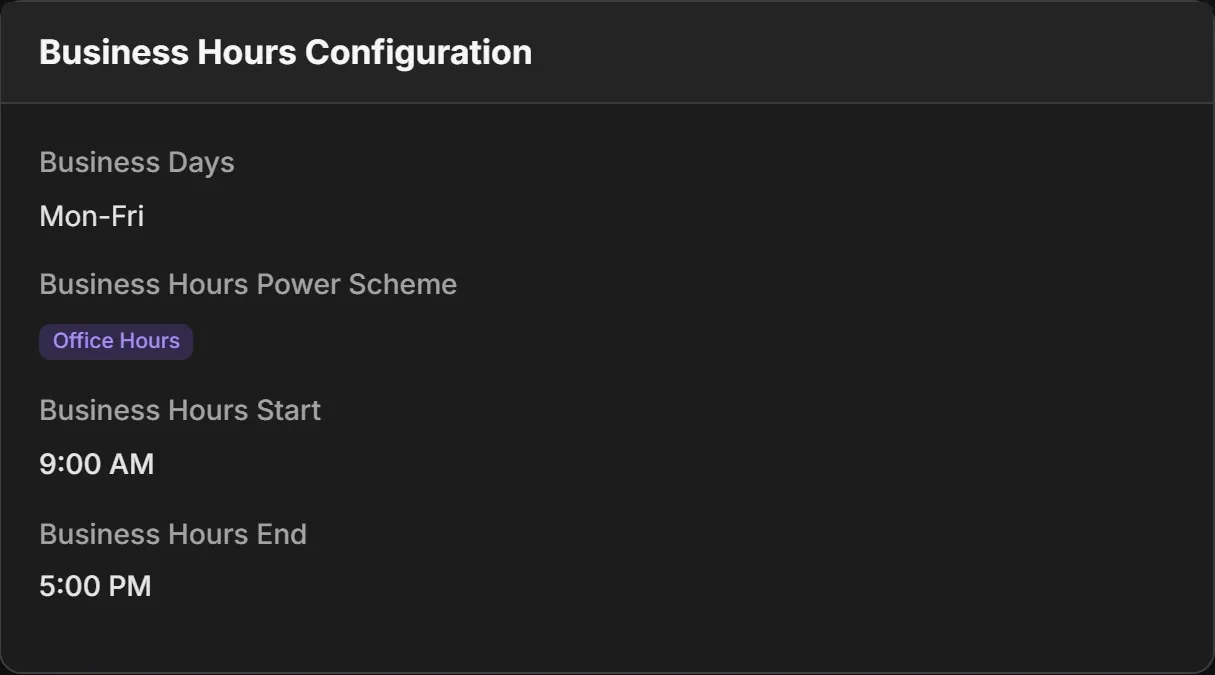
Choose the days and hours you work, a power scheme for them and a stricter one for everything else. Assign the policy by location, group or directory rule, and every PC it covers follows it.
PC power management software
Acquaintia puts idle Windows PCs to sleep when the working day ends, wakes them before people arrive, and keeps critical work running in between. Then it estimates the energy, cost and carbon behind every hour.

The problem
Across an organisation, PCs left on outside working hours add up to electricity bought for nothing, and carbon nobody meant to emit. Most of it never shows up anywhere but the bill.
A PC that nobody is using still keeps its screen, disks and processor ready, all night and all weekend.
Power settings are easy to change and hard to keep. A policy set years ago is not what every PC does today.
Shutting PCs down on a timer interrupts backups and updates, and the people still working late.
The film
One office block: on for the working day, left on for nobody, then asleep after hours, awake for overnight updates and ready before anyone arrives.
How Acquaintia fixes it
1
Choose the days and hours you work, a power scheme for them and a stricter one for everything else. Assign the policy by location, group or directory rule, and every PC it covers follows it.
2
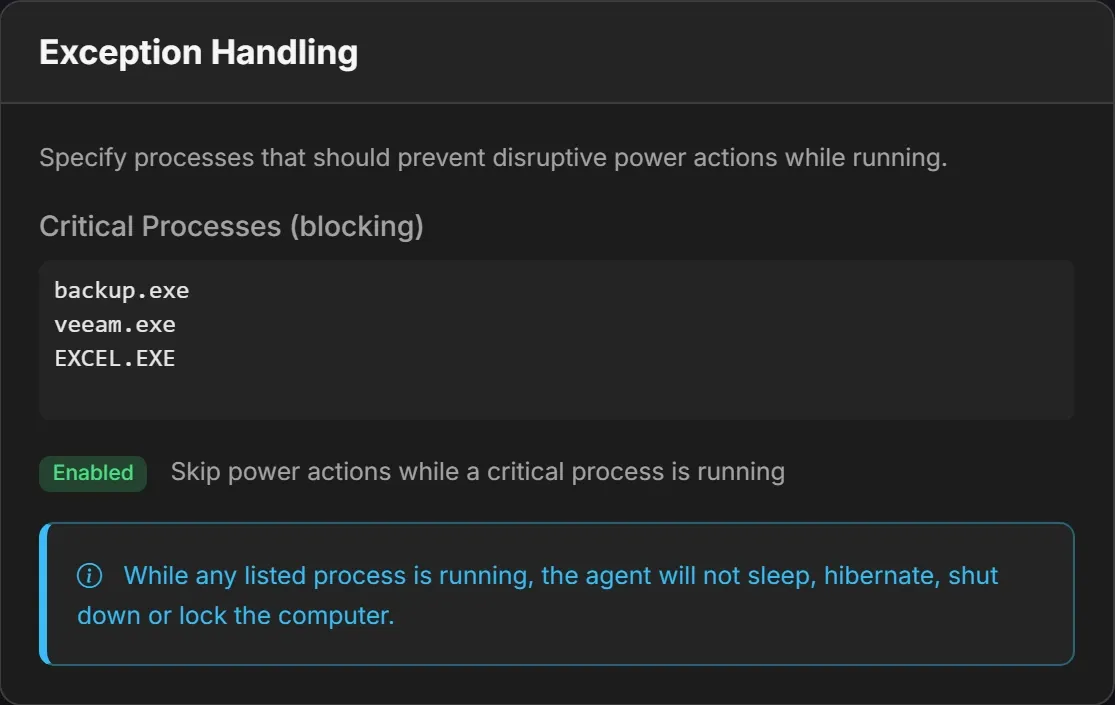
A PC is idle when nobody has touched its keyboard or mouse for as long as your policy says. Acquaintia waits for downloads and updates, keeps calls and presentations awake, and never sleeps a PC while a critical process you've listed, such as a backup, is running.
3
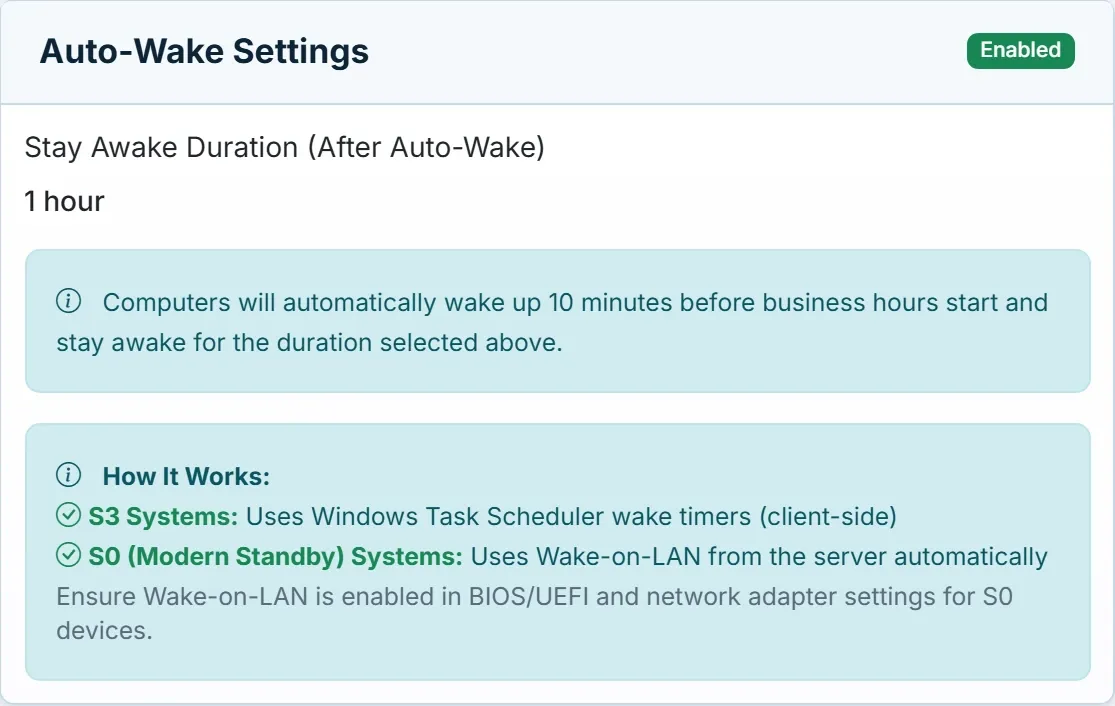
Ten minutes before business hours, PCs wake: on a Windows wake timer where the PC supports one, and with Wake-on-LAN from the Acquaintia server where it doesn't. They wake for maintenance windows too, so patches land overnight.
4
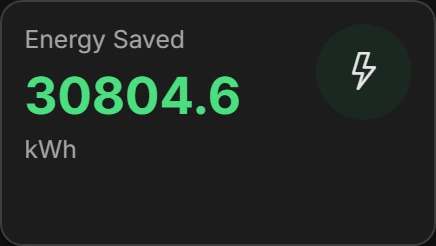
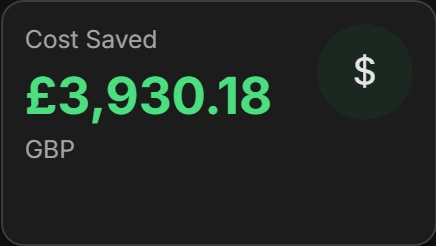
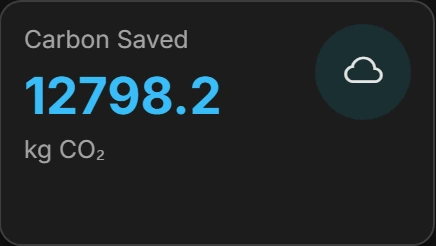
Acquaintia estimates what each PC uses from its hardware and the hours it spends in each power state, then applies your tariffs and carbon factors. Reports show what changed against a baseline, by PC and by location.
Software that decides when an organisation’s computers sleep, wake and shut down, from one place, instead of leaving it to the settings on each machine. Acquaintia does it with an agent on every Windows PC and a server where you set policies and read the results.
No. A PC only counts as idle when nobody has used its keyboard or mouse for the time your policy sets. Calls and presentations in Teams, Zoom, Webex and PowerPoint keep it awake, as do downloads, updates and any critical process you list.
List the processes that must finish, such as your backup agent, and Acquaintia won’t sleep a PC while one is running. For patching, set a maintenance window: PCs stay awake through it, and can be woken at the start of it.
They are estimates. Acquaintia gives each PC a wattage profile from its make and model, system type and monitors, records how long it spends active, idle, asleep and off, and applies the tariff and carbon factor you set for its location.
The agent runs on 64-bit Windows 10, Windows 11 and Windows Server 2016 or later. The Acquaintia server runs on Windows with IIS and SQL Server.
Book a demo and we'll show you Acquaintia running, answer your rollout and security questions, and help you put a first figure on your idle hours.