
Solution for healthcare
On around the clock where care needs it. Asleep where it doesn’t.
Healthcare runs some areas all night and others nine to five, often in the same building. Acquaintia gives each area its own hours, keeps clinical work running, and puts the rest to sleep.
The problem
One building, many sets of hours.
-
Some areas never close
Wards and emergency areas need PCs ready at any hour, next door to offices that empty at five.
-
Workstations are shared
Many staff sign in to the same PC across a shift, and sessions get left signed in.
-
Clinical work can’t be cut off
A PC must never sleep in the middle of something that matters.
What does the work
The parts of Acquaintia that take this on.
How it is done
Policies that follow the building.
-
Map your sites
Locations for sites, buildings and departments, with rules that place each PC.
-
Give each area its hours
A round-the-clock policy for clinical areas, and business hours for offices.
-
Protect clinical work
List the processes that must never be interrupted. While one runs, the PC won’t sleep, shut down or lock.
-
Handle shared PCs
On a shared PC, idle time comes from the session in use, not from a session left signed in and disconnected.
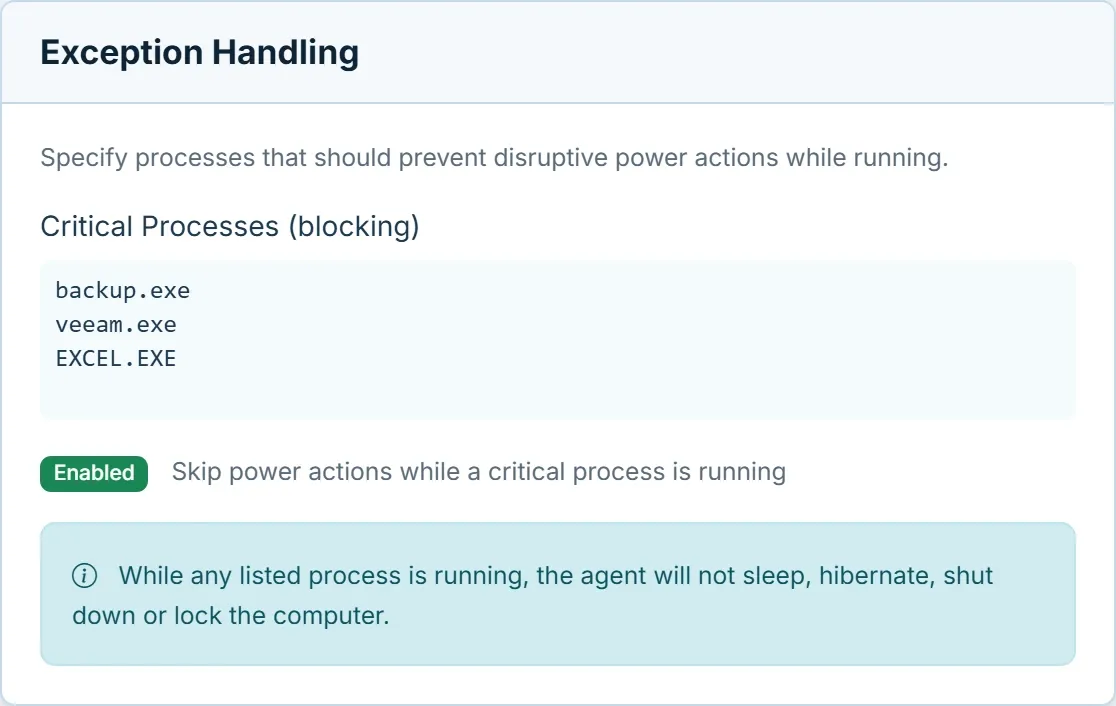
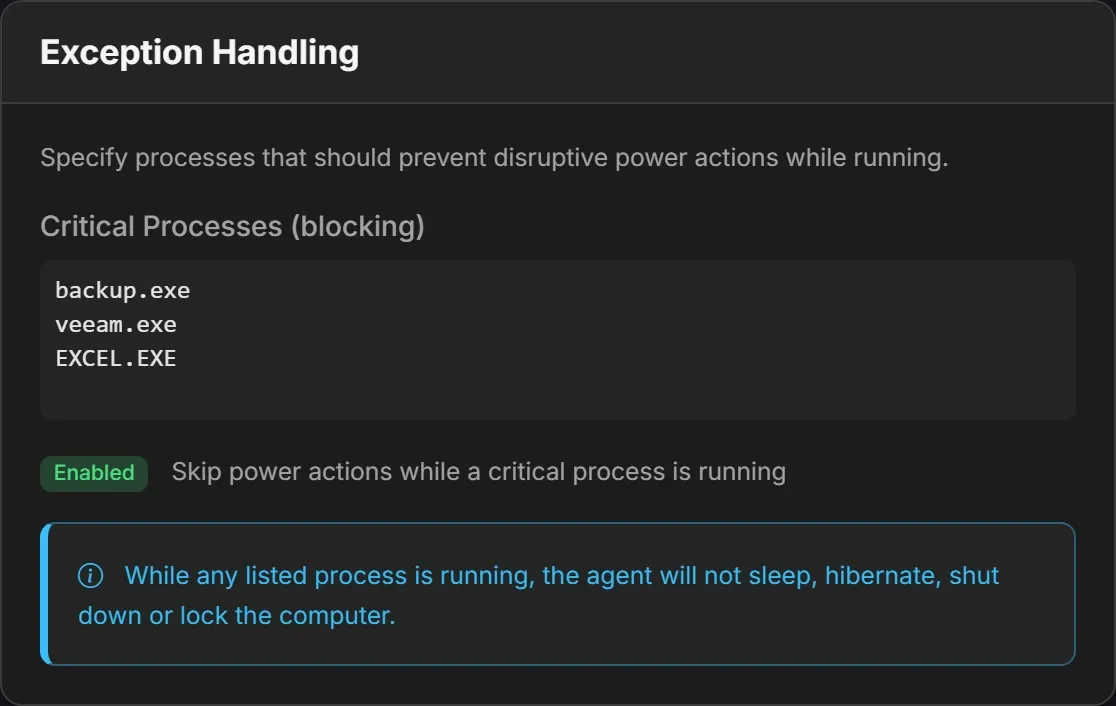
The work that must not stop, named.
List the processes that matter, and no PC running one will sleep, shut down or lock.
Questions
Can clinical areas stay on all the time?
Yes. Give them a policy whose business hours cover every day and every hour, and assign it to those locations. Offices nearby keep their own policy.
What happens on shared workstations?
Acquaintia reads idle time in each signed-in session and takes it from the session in use, so a session someone left signed in doesn’t decide when the PC sleeps.
See it set up for your sites.
Book a demo and we’ll show you round-the-clock areas, office hours and shared workstations side by side.
Other sectors
- Education Shared PCs in labs, libraries and teaching rooms, empty for long stretches.
- Financial services Offices and branches, overnight jobs and a demanding security review.
- Public sector Many buildings, tight budgets and carbon targets to report against.
- Professional services Late nights, hybrid desks and several offices.
- Acquaintia PC power management for Windows fleets: sleep, wake and the energy behind it.
- Cut out-of-hours energy waste Stop powering PCs nobody is using at night and at weekends.