
Solution for education
Ready for the first lesson. Asleep when the room is empty.
Computer labs, libraries and teaching rooms are full of shared PCs that sit unused for hours at a time. Acquaintia sleeps them when nobody is there and wakes them before people arrive.
-
Computer lab: asleep from 00:00 to 08:50, woken by Acquaintia from 08:50 to 09:00, in use from 09:00 to 11:00, on, nobody using it from 11:00 to 11:30, asleep from 11:30 to 13:00, in use from 13:00 to 15:00, on, nobody using it from 15:00 to 15:30, asleep from 15:30 to 24:00.
-
Library: asleep from 00:00 to 07:50, woken by Acquaintia from 07:50 to 08:00, in use from 08:00 to 21:00, asleep from 21:00 to 24:00.
-
Staff office: asleep from 00:00 to 08:50, woken by Acquaintia from 08:50 to 09:00, in use from 09:00 to 17:00, asleep from 17:00 to 24:00.
The problem
Rooms full of shared PCs, used in bursts.
-
Rooms empty between sessions
A lab can be full for an hour and empty for the next three, with every PC still on.
-
Long quiet stretches
Evenings, weekends and breaks leave whole rooms of PCs on for nobody.
-
Updates can’t land mid-lesson
Labs need patching, but never while a class is using them.
What does the work
The parts of Acquaintia that take this on.
How it is done
Every room on its own schedule.
-
Organise by building and room
Locations for sites, buildings and rooms, with rules that place each PC.
-
Sleep idle PCs, even in the day
Each power scheme has its own sleep timeout, so a PC nobody is using sleeps during the day too.
-
Wake before the first session
PCs wake ten minutes before business hours, so rooms are ready when people sit down.
-
Patch overnight
Maintenance windows wake PCs and keep them awake while updates install.
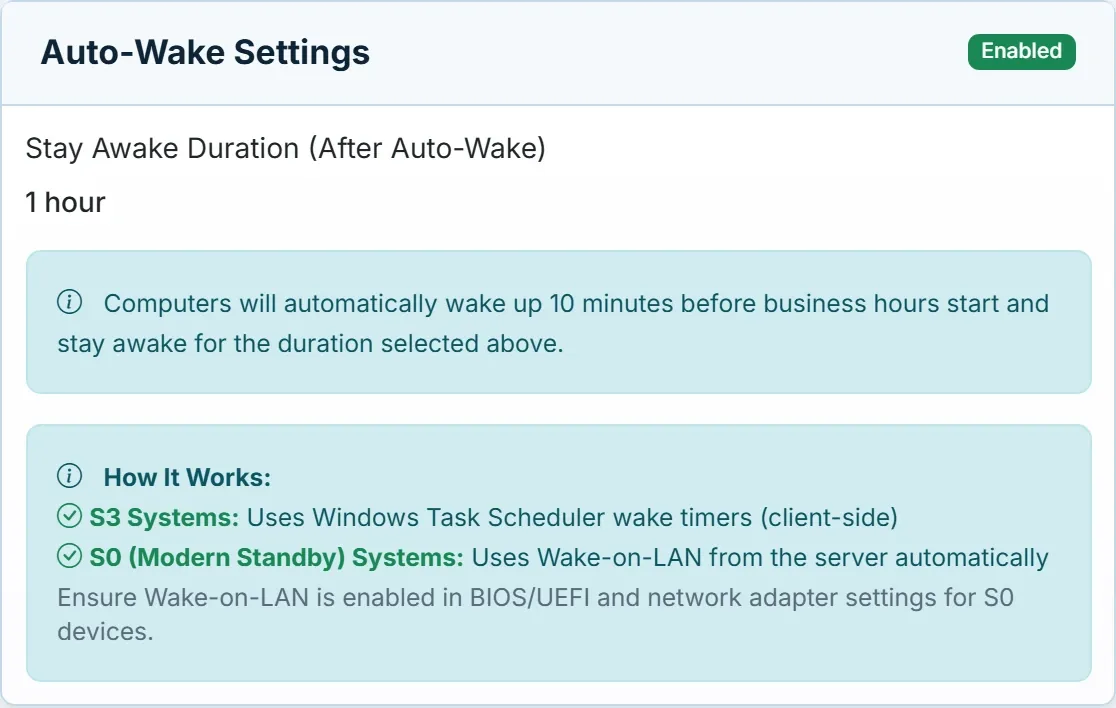
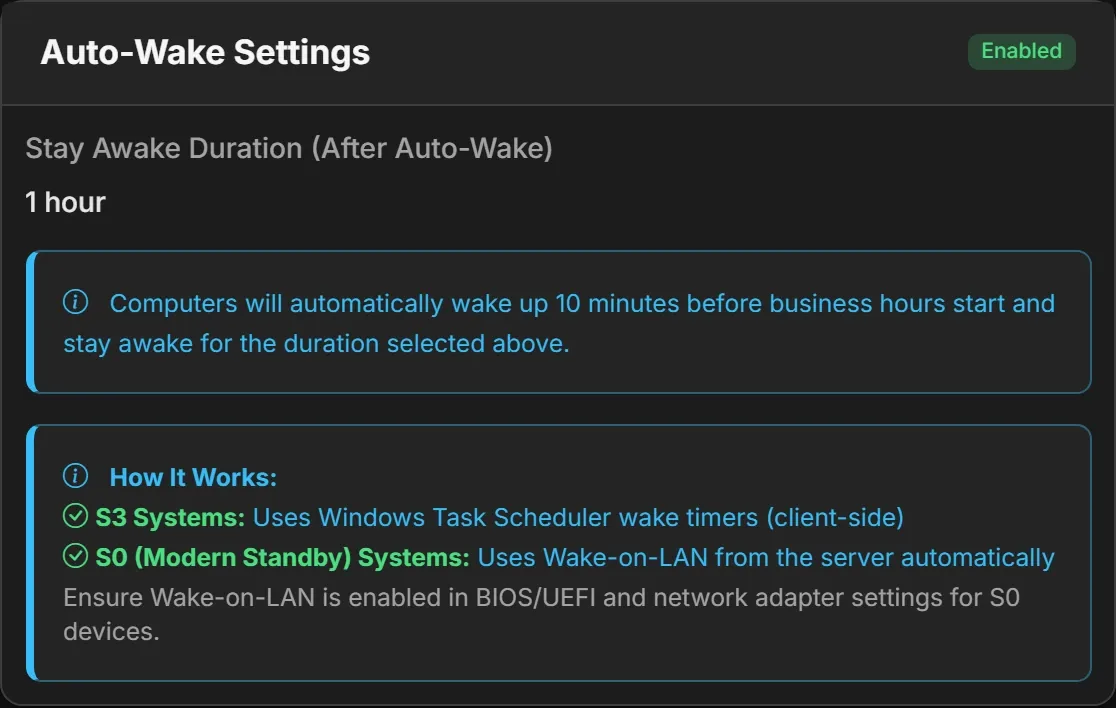
Awake before anyone arrives.
PCs wake ten minutes before business hours start, and stay awake for as long as the policy says.
Questions
What about PCs that lots of people sign in to?
Acquaintia reads idle time in each signed-in session and takes it from the session in use, so a session someone left signed in doesn’t keep the PC awake or decide when it sleeps.
Can labs, libraries and offices keep different hours?
Yes. Create a policy for each set of hours and assign it to the locations or groups that keep them.
See it set up for your rooms.
Book a demo and we’ll show you labs, libraries and offices, each on its own schedule.
Other sectors
- Healthcare Round-the-clock areas, shared workstations and offices that keep office hours.
- Financial services Offices and branches, overnight jobs and a demanding security review.
- Public sector Many buildings, tight budgets and carbon targets to report against.
- Professional services Late nights, hybrid desks and several offices.
- Acquaintia PC power management for Windows fleets: sleep, wake and the energy behind it.
- Cut out-of-hours energy waste Stop powering PCs nobody is using at night and at weekends.